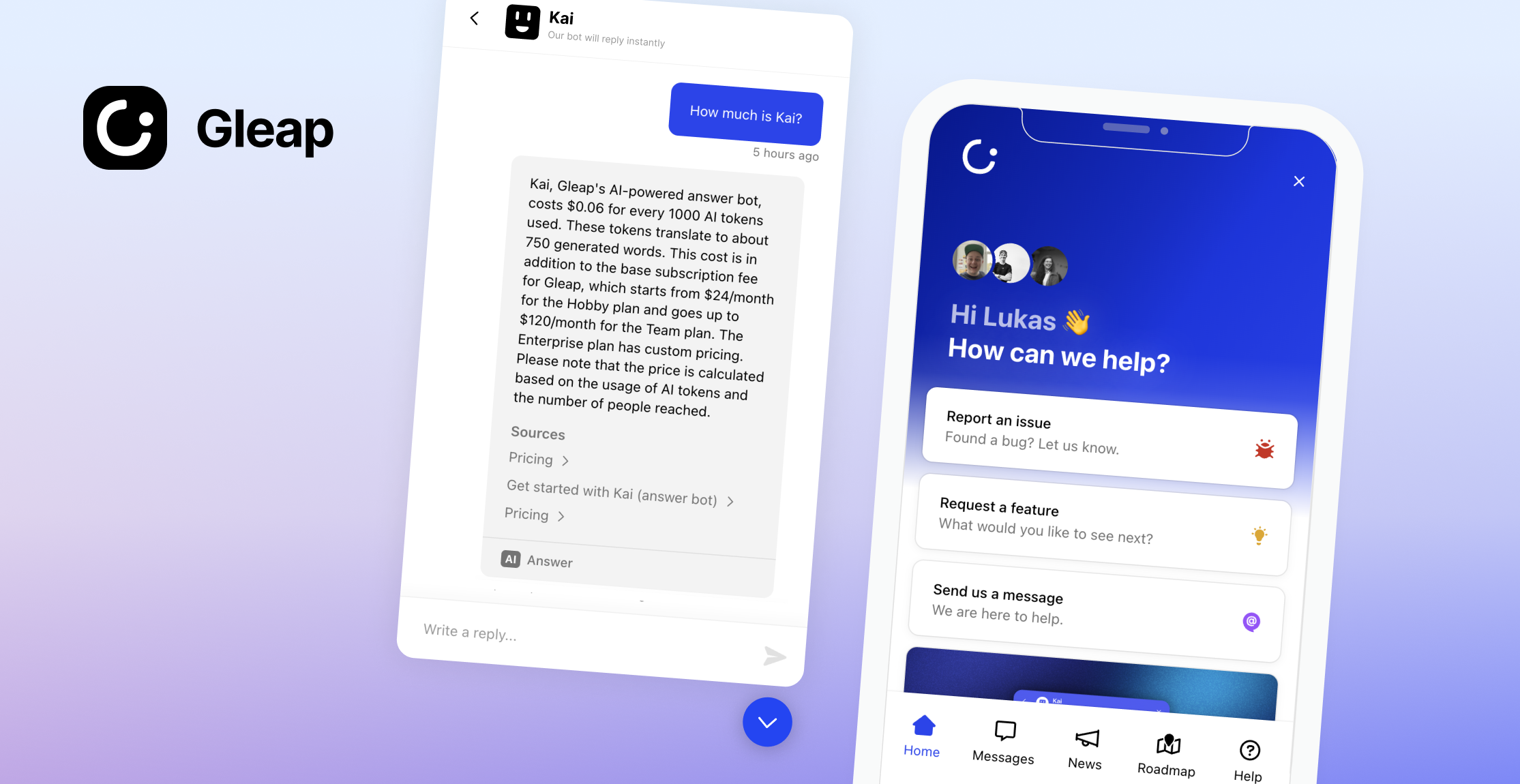
Welcome to the Gleap JavaScript SDK. Integrate AI-native customer support and feedback into your app in minutes. Leverage Kai, our autonomous AI agent, to resolve customer inquiries, automate complex workflows, and assist your support team with copilot-powered answers. Combine that with a built-in Help Center, outbound messaging, product roadmaps, bug tracking, and a unified multichannel inbox — everything your team needs to build better software, faster. Let's code, innovate, and grow together!
Checkout our documentation for full reference.
1.) Register an account at www.gleap.io. It's free and takes just a few seconds.
2.) Include the Gleap JS SDK within your apps.
Install the Gleap package via npm or yarn.
npm install gleap --save
Import the Gleap package.
import Gleap from 'gleap';
Add the following code to initialize the Gleap JavaScript SDK. Replace "SDK-TOKEN" with your actual SDK token from the Gleap dashboard.
Gleap.initialize("SDK-TOKEN");
Congrats, you are now all set! Report your first bug by using the feedback button.
We are here to help! hello@gleap.io